Windows SmartScreen
When you open the Locus installer on Windows, Microsoft Defender SmartScreen may show a “Windows protected your PC” warning.
Why it appears
Section titled “Why it appears”SmartScreen warns about apps that are not signed with a code signing certificate or that have not been downloaded by many people yet. The Locus installer is not signed, so Windows lists the publisher as unknown. The warning does not mean that anything harmful was found in the file.
Getting rid of the warning requires a code signing certificate, which costs upwards of $300 a year. Locus is free, so the installer is not signed for now.
Running the installer
Section titled “Running the installer”-
Click More info.
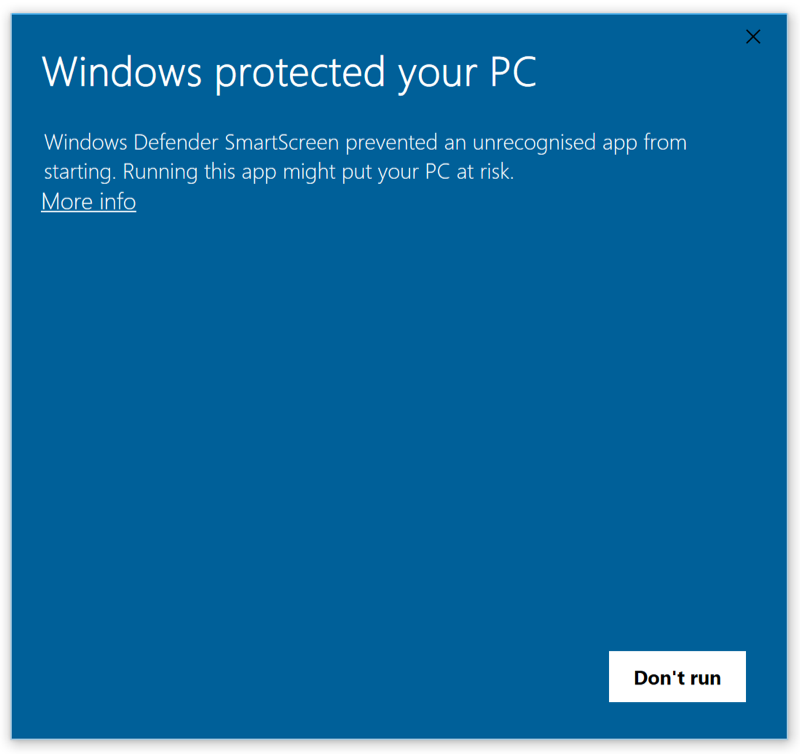
-
Click Run anyway.
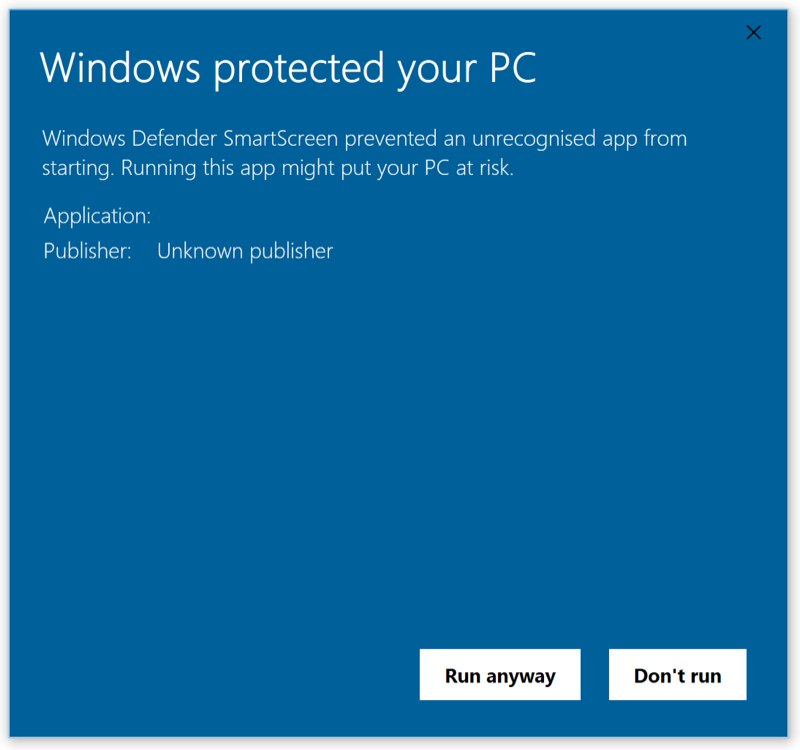
You only have to do this once. Updates install without the warning.