Performance
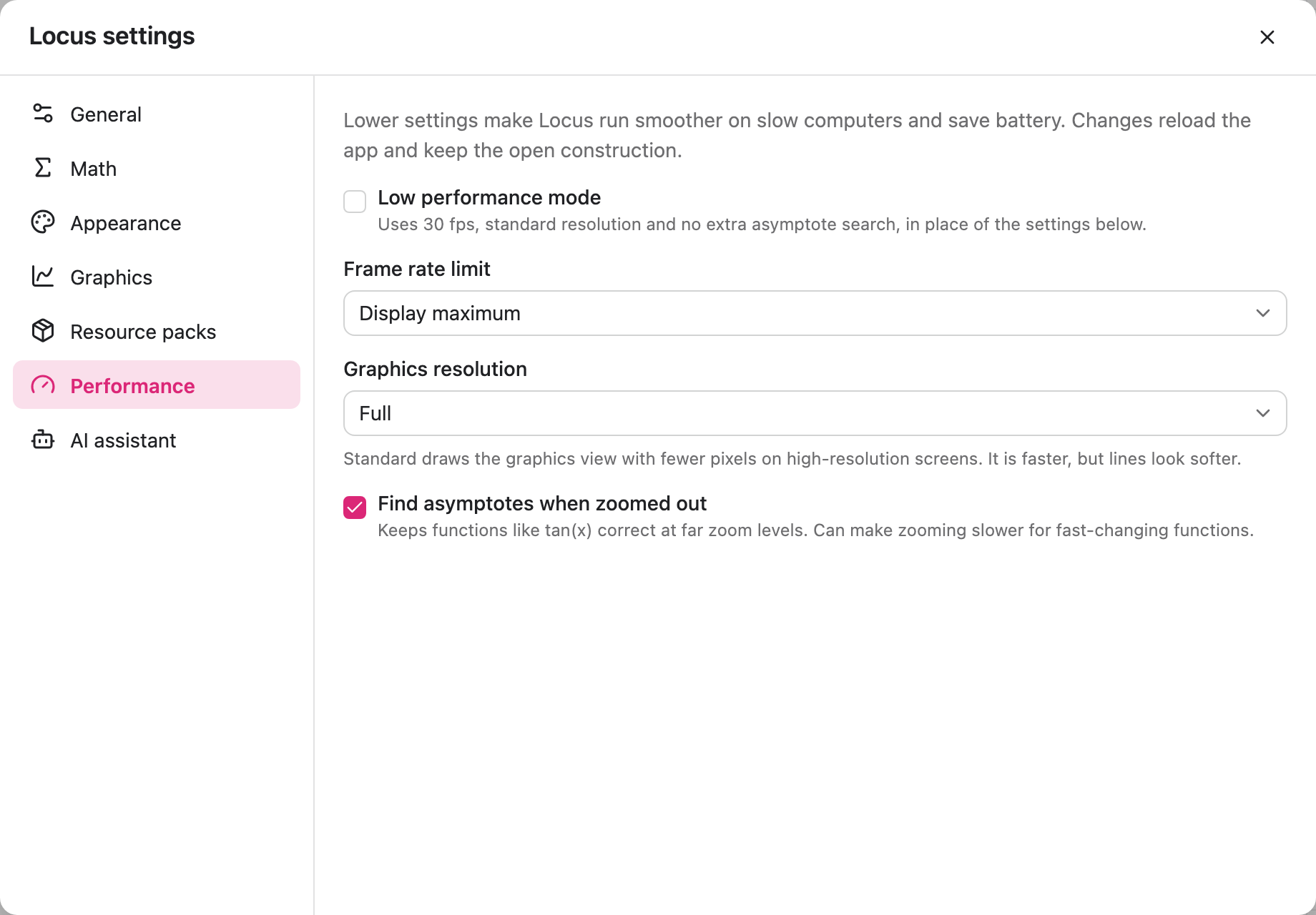
If Locus runs slowly or drains your battery, lower the settings in Settings > Performance. Each change reloads the app and keeps the open construction.
| Setting | Options | Default |
|---|---|---|
| Low performance mode | On, off | Off |
| Frame rate limit | Display maximum, 60 fps, 30 fps | Display maximum |
| Graphics resolution | Full, Standard | Full |
| Find asymptotes when zoomed out | On, off | On |
Low performance mode
Section titled “Low performance mode”Uses 30 fps, standard resolution and no extra asymptote search. While it is on, the other settings are greyed out. This is the quickest fix for slow computers.
Frame rate limit
Section titled “Frame rate limit”Display maximum uses the full refresh rate of your screen, for example 120 Hz on newer MacBooks. 60 fps and 30 fps use less power.
Graphics resolution
Section titled “Graphics resolution”Standard draws the graphics view with fewer pixels on high-resolution screens. It is faster, but lines look softer.
Find asymptotes when zoomed out
Section titled “Find asymptotes when zoomed out”Keeps functions like tan(x) correct when you zoom far out. Turn it off if zooming is slow for functions that change quickly.